Professional, responsive portfolio templates designed to highlight your projects and skills. No coding required.
Choose from our collection of professionally designed templates to showcase your work in the best light.
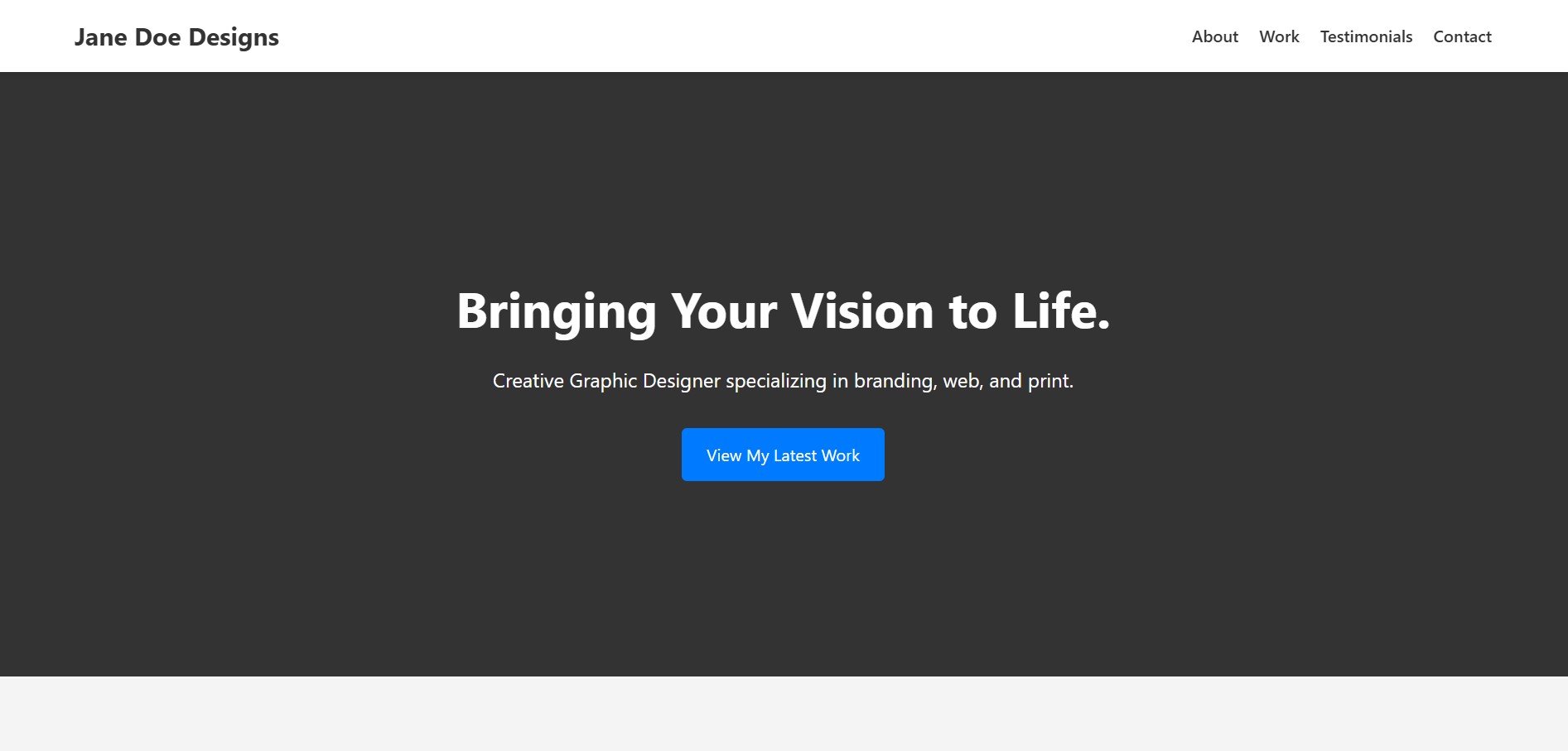
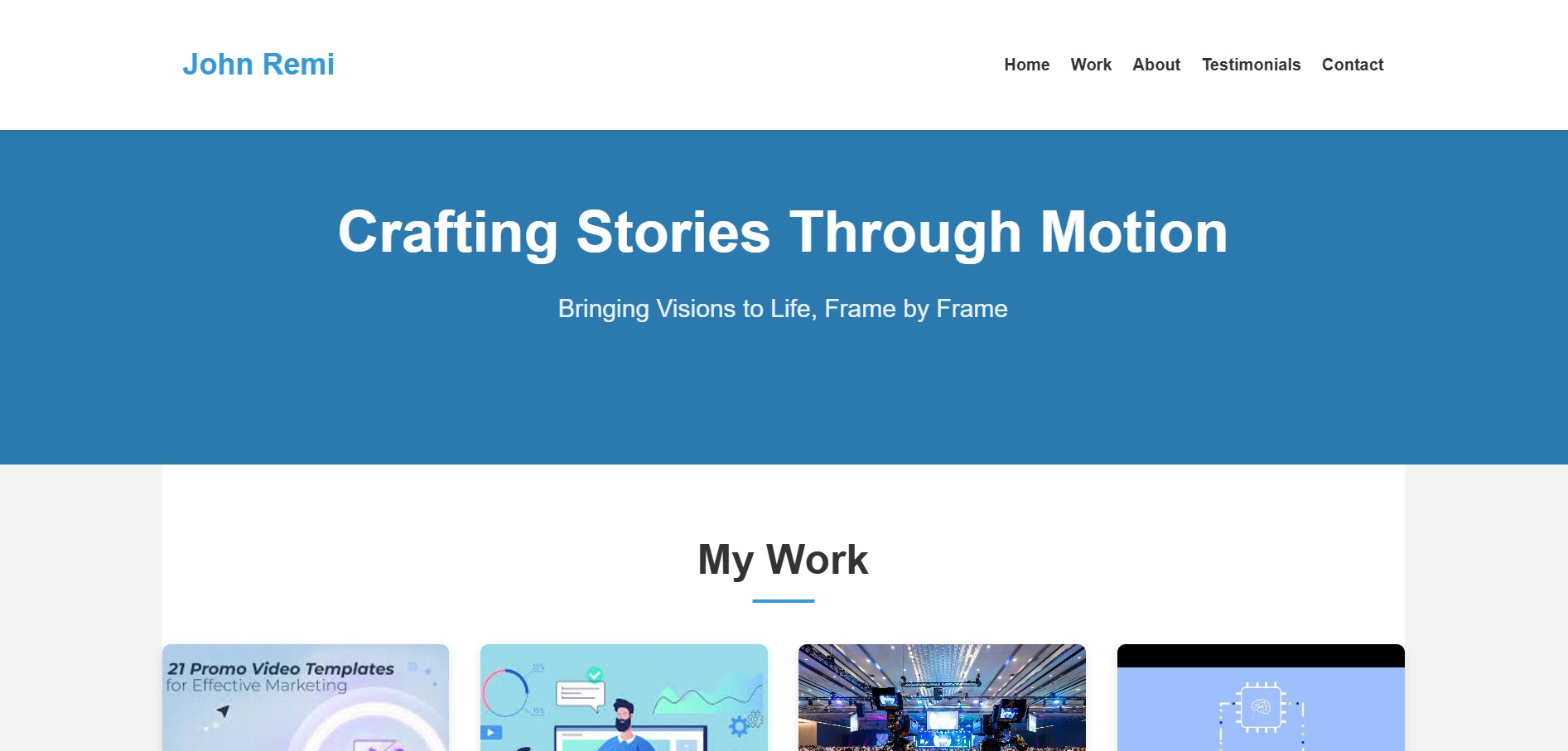
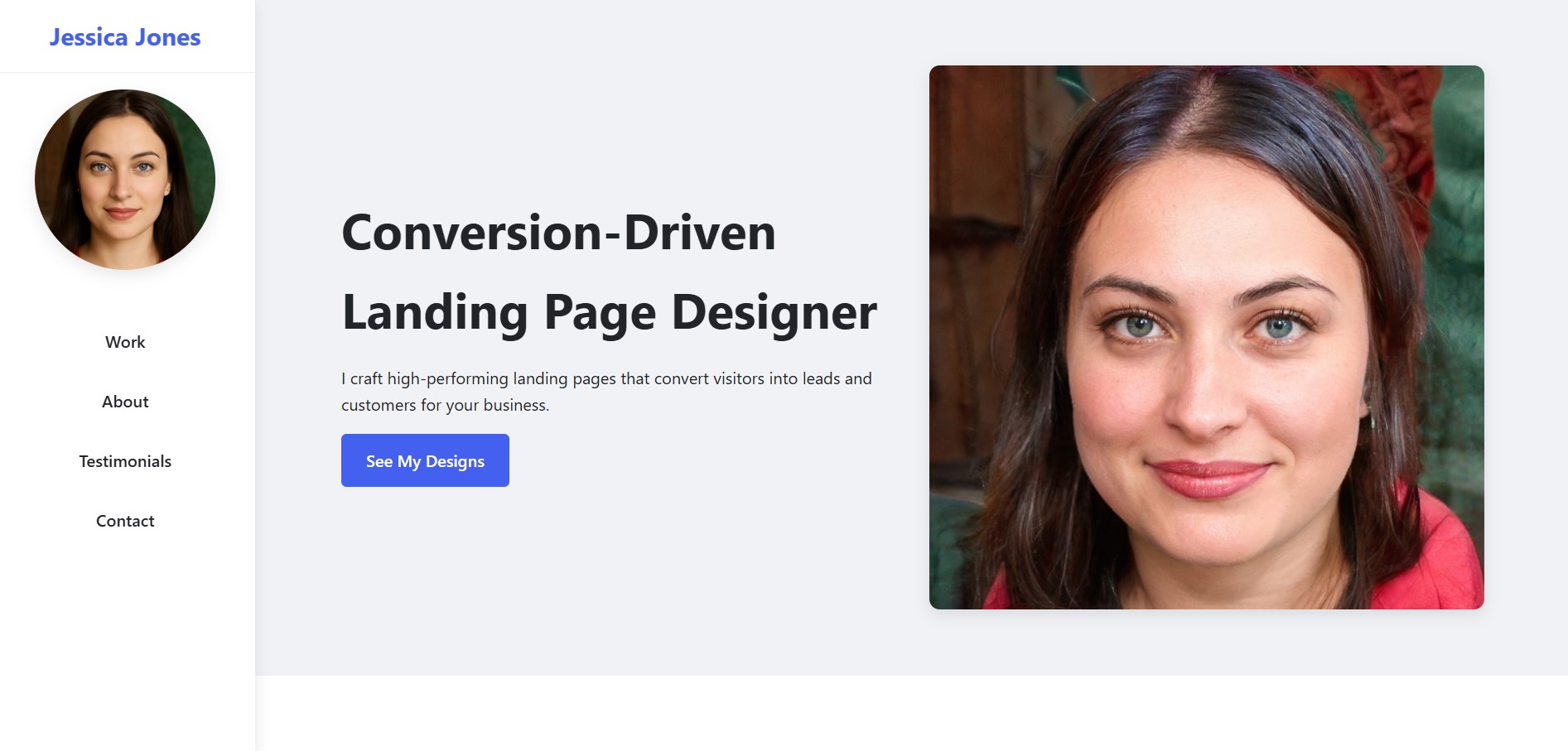
This template features a clean, straightforward design with clear, sectioned areas for "About," "Work," "Testimonials," and "Contact." It's ideal for a professional looking for an organized and easily navigable showcase.
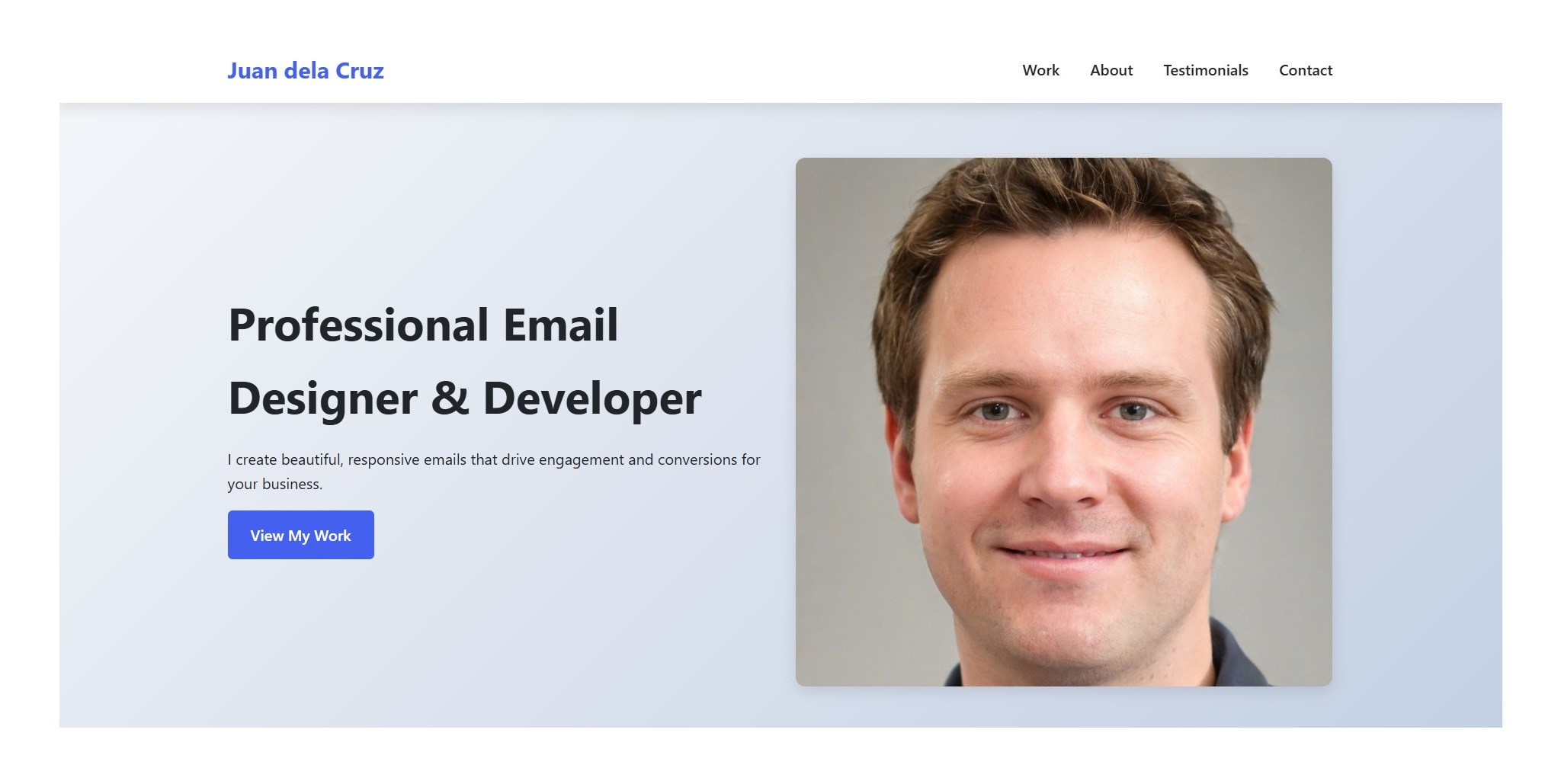
A clean and functional template designed for showcasing a profile with an "About" section and direct "Contact Me" options. Its minimalist layout is perfect for quick content population.
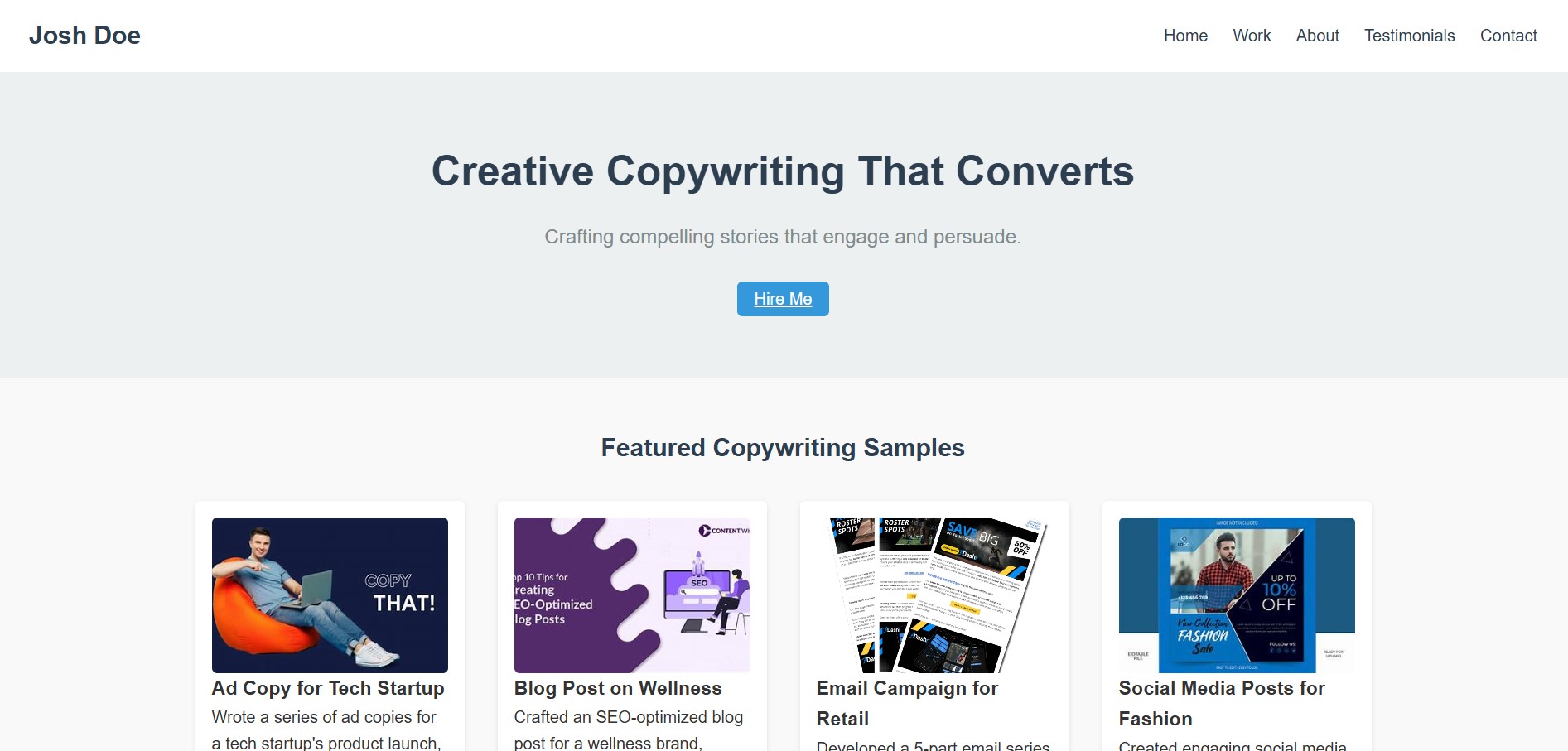
This template offers a minimalist and professional look with simple navigation and clear sections for featured work, an "About Me" page, testimonials, and contact information. It's designed for easy content management.
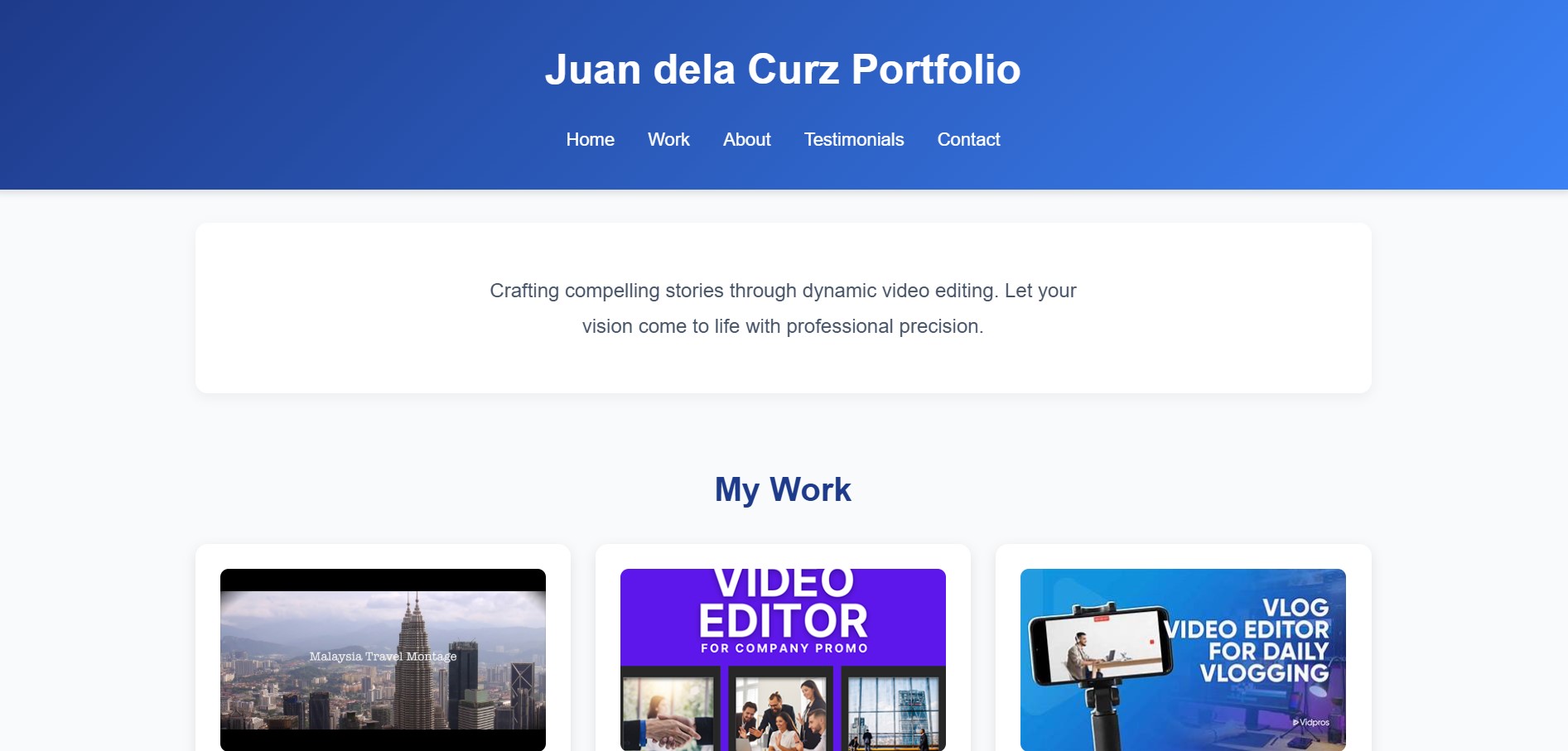
A streamlined and professional template with clear navigation, dedicated sections for showcasing projects, an "About" section, testimonials, and a contact form. It's designed for easy customization to highlight creative work.
This clean and straightforward template provides a clear navigation menu and dedicated sections for displaying work, an "About Me" page, testimonials, and contact details. It prioritizes organized content presentation for easy deployment.
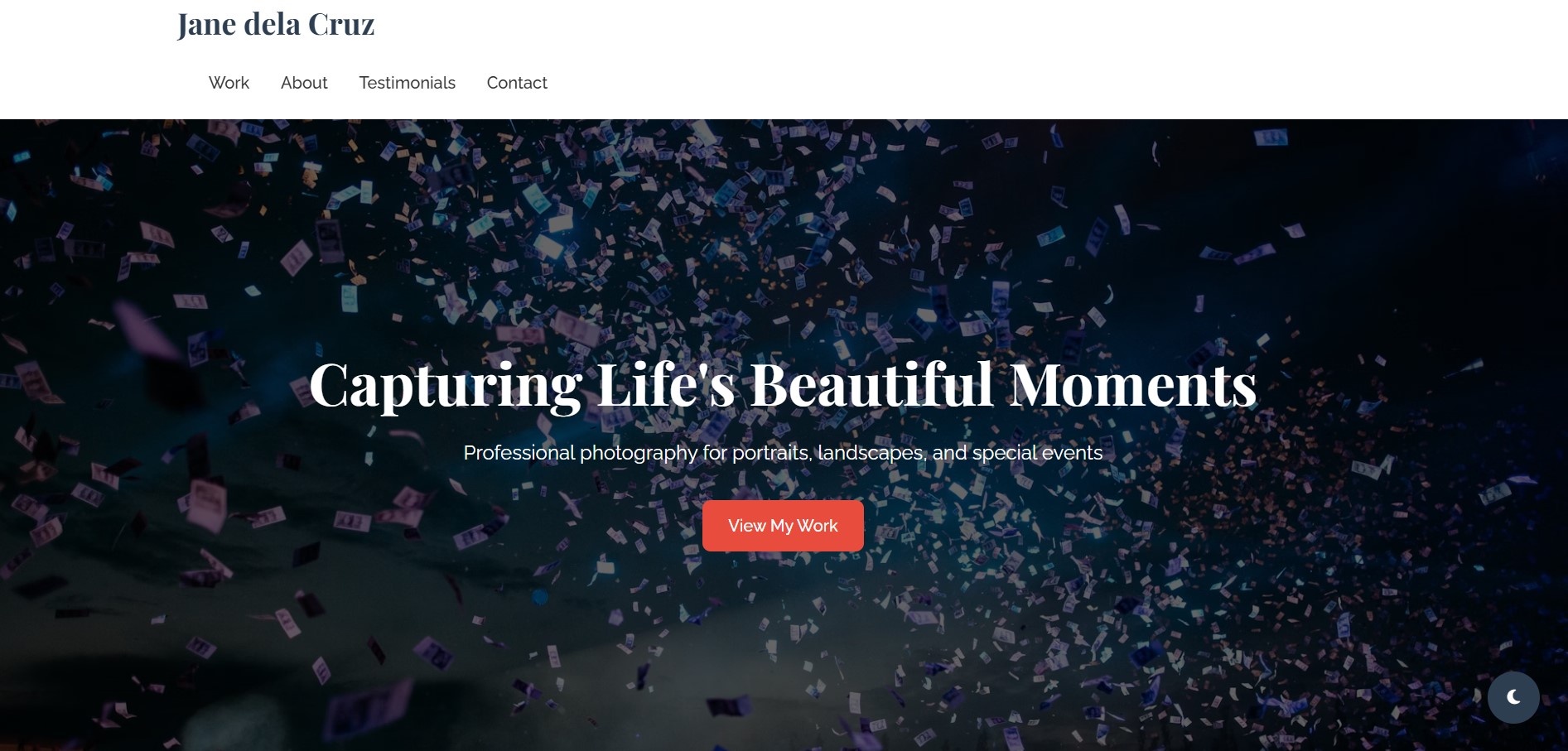
A clean and professional template perfect for photographers, featuring standard sections for work, "About," testimonials, and contact. It includes filters for different photography genres and is user-friendly for no-code customization.
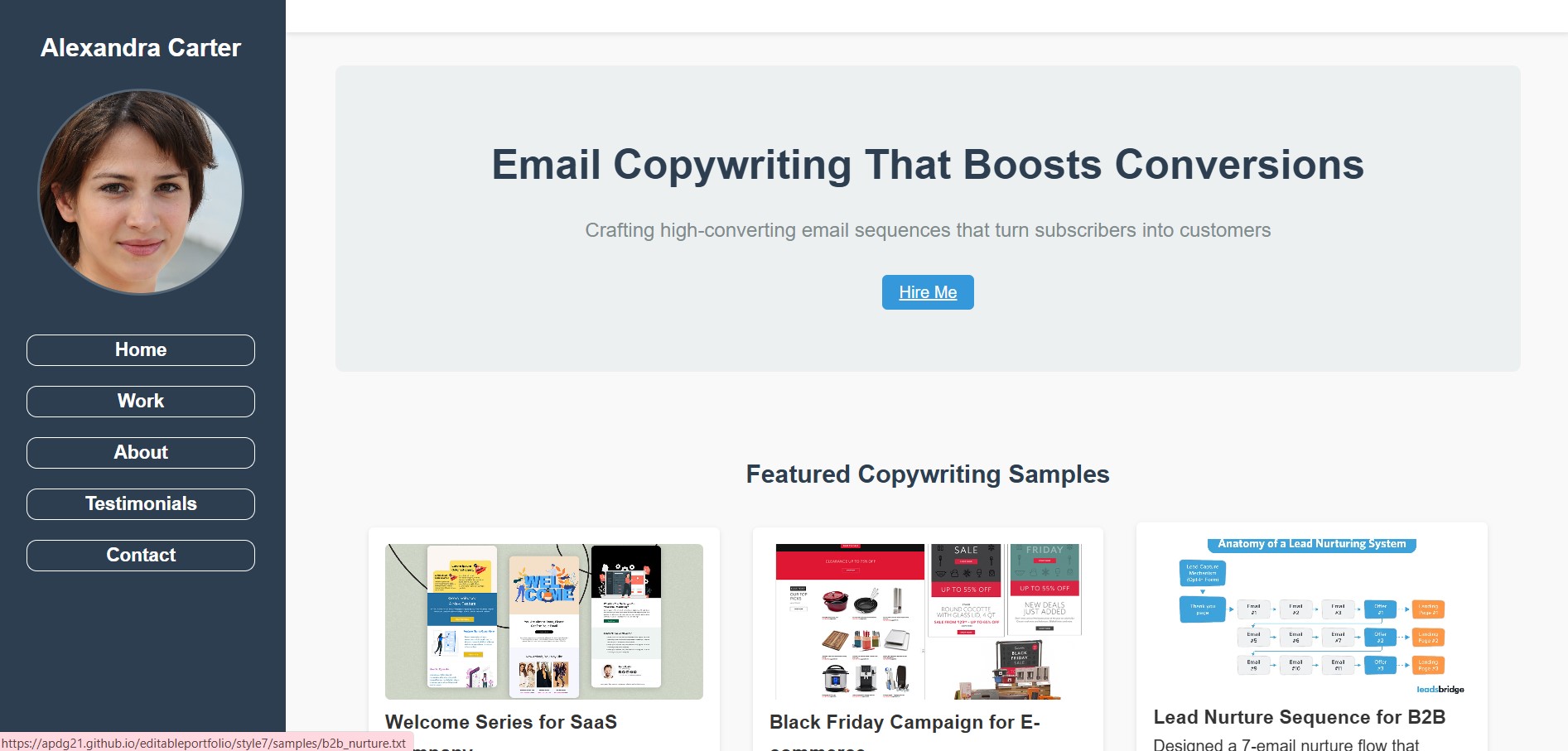
This template presents a clean, well-structured layout with easily navigable sections for showcasing work samples, personal details, client testimonials, and contact information. Its design supports easy content updates.
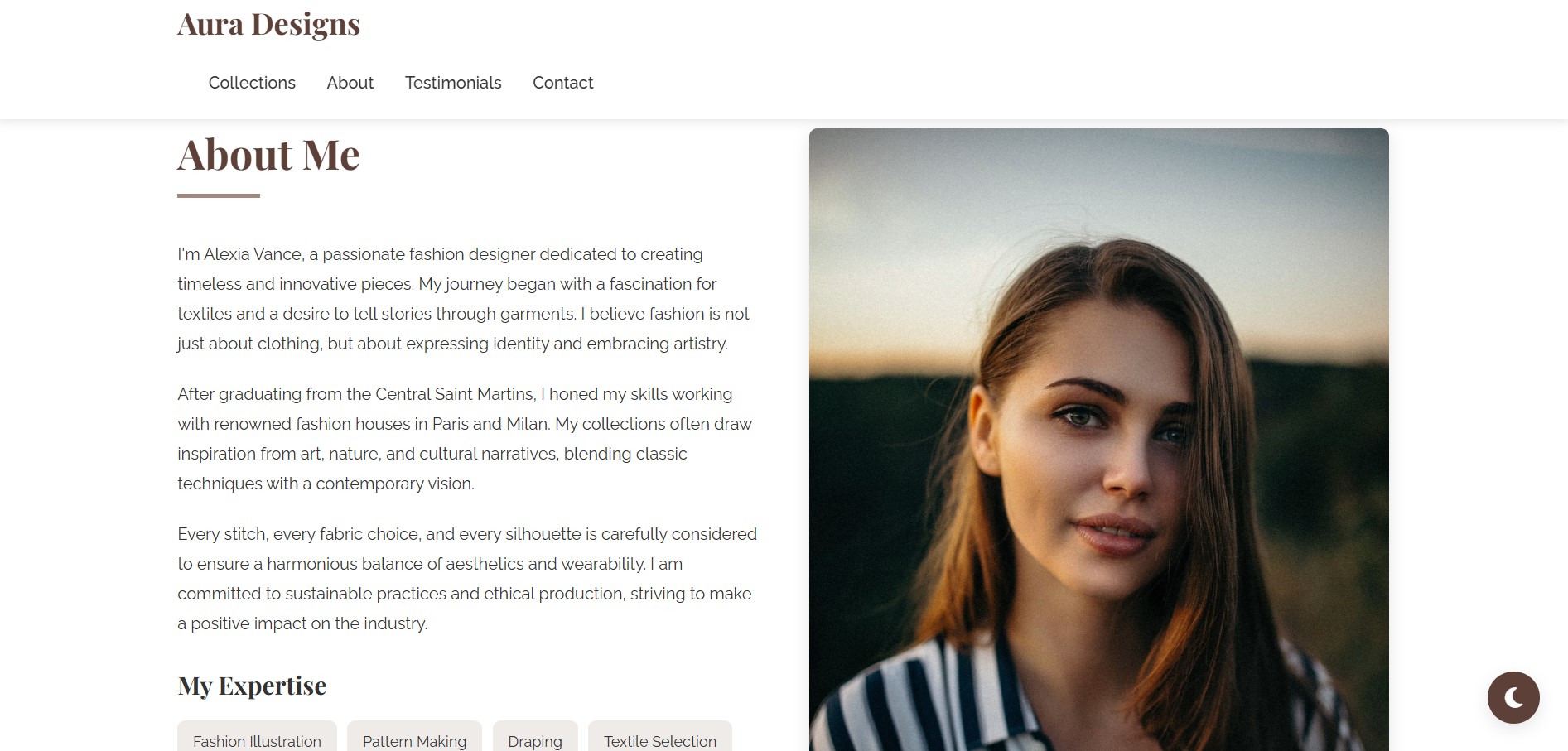
This template offers an elegant and user-friendly design, ideal for visually driven content. It features prominent calls to action, clear navigation for different sections, and dedicated areas for collections and testimonials, making it easy to set up without coding.
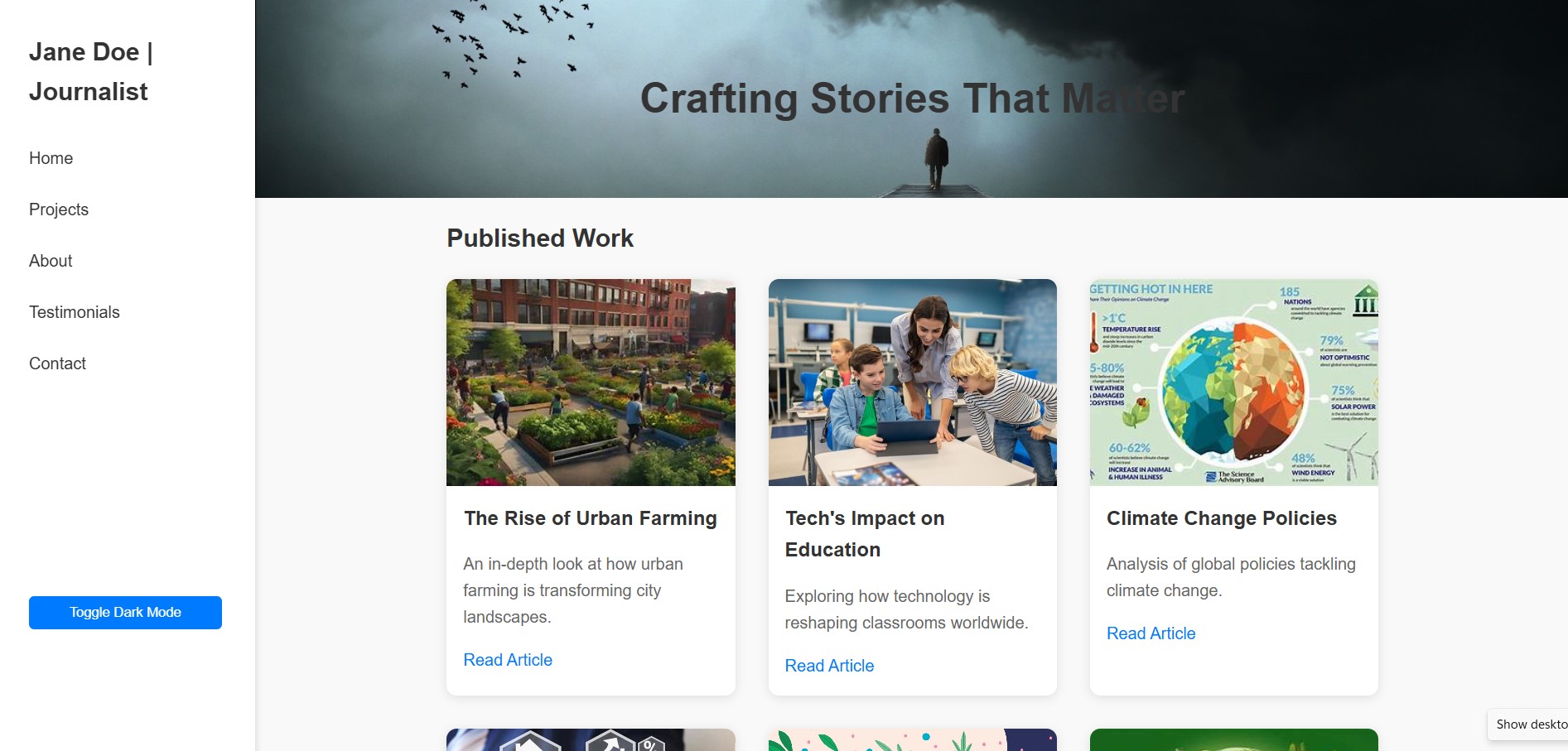
This template features a clear, modular structure with standard navigation and sections for published work, an "About Me" page, testimonials, and contact information. It also includes modern interactive elements like a dark mode toggle, suitable for no-code platforms.
A streamlined and simple template with clear headings and a standard navigation structure. Its minimalist design and placeholders indicate it's a ready-to-use template for quick content population without any coding expertise.
Stand out from the competition with a digital portfolio that showcases your work effectively.
Clients and employers judge your work within seconds. A professional portfolio makes those seconds count.
Display not just final products but your creative process with case studies and project breakdowns.
Your online portfolio works for you 24/7, accessible to potential clients worldwide.
A custom portfolio domain establishes you as a serious professional in your field.
Don't just take our word for it. Here's what our customers say.
"I landed my dream job at a top design agency within a month of launching my new portfolio. The hiring manager specifically mentioned how my portfolio stood out."
Graphic Designer
"My client inquiries tripled after switching to a professional portfolio. The project showcase templates make it easy to highlight my best work."
Photographer
"As a freelance developer, my portfolio has become my most powerful marketing tool. The clean, professional design builds trust with potential clients."
Web Developer
Everything you need to know about our portfolio templates.
No coding skills required! Our templates come with simple editable files where you just replace the placeholder content with your information. The templates handle all the design and layout automatically.
Each template includes detailed instructions for adding projects. Typically you'll:
No technical knowledge is needed - just follow the step-by-step guide included with your template.
Absolutely! You can personalize your portfolio by editing the style.css file included with your template. Simply:
style.css in any text editor--primary-color) and font propertiesFor advanced customization, you can edit any CSS rules in the file. No coding experience is needed for basic changes - just follow the clear comments we've included.
Example customization:
/* ======== Customize These Values ======== */
:root {
--primary-color: #3a86ff; /* Change main accent color */
--text-color: #2b2d42; /* Change text color */
--font-main: 'Segoe UI', sans-serif; /* Change font */
}
All templates include detailed instructions in the Template_Guide.markdown file for common customizations.
You'll receive a ZIP file containing:
We provide detailed instructions for free hosting options like:
You can also host on any standard web hosting service. No special server requirements needed - these are static websites that work anywhere.
Join thousands of creatives who've transformed their online presence with our premium portfolio templates.
Browse Templates